
Windows Secure Boot 2026: IT Team Preparation Guide
Microsoft retires Secure Boot certificates in June 2026. Audit, patch, and secure your Windows endpoints before the deadline with this IT preparation guide.
Ransomware is malicious software that encrypts a victim's files and demands a ransom for their release, prevention relies on robust backups, strong security practices & user education.
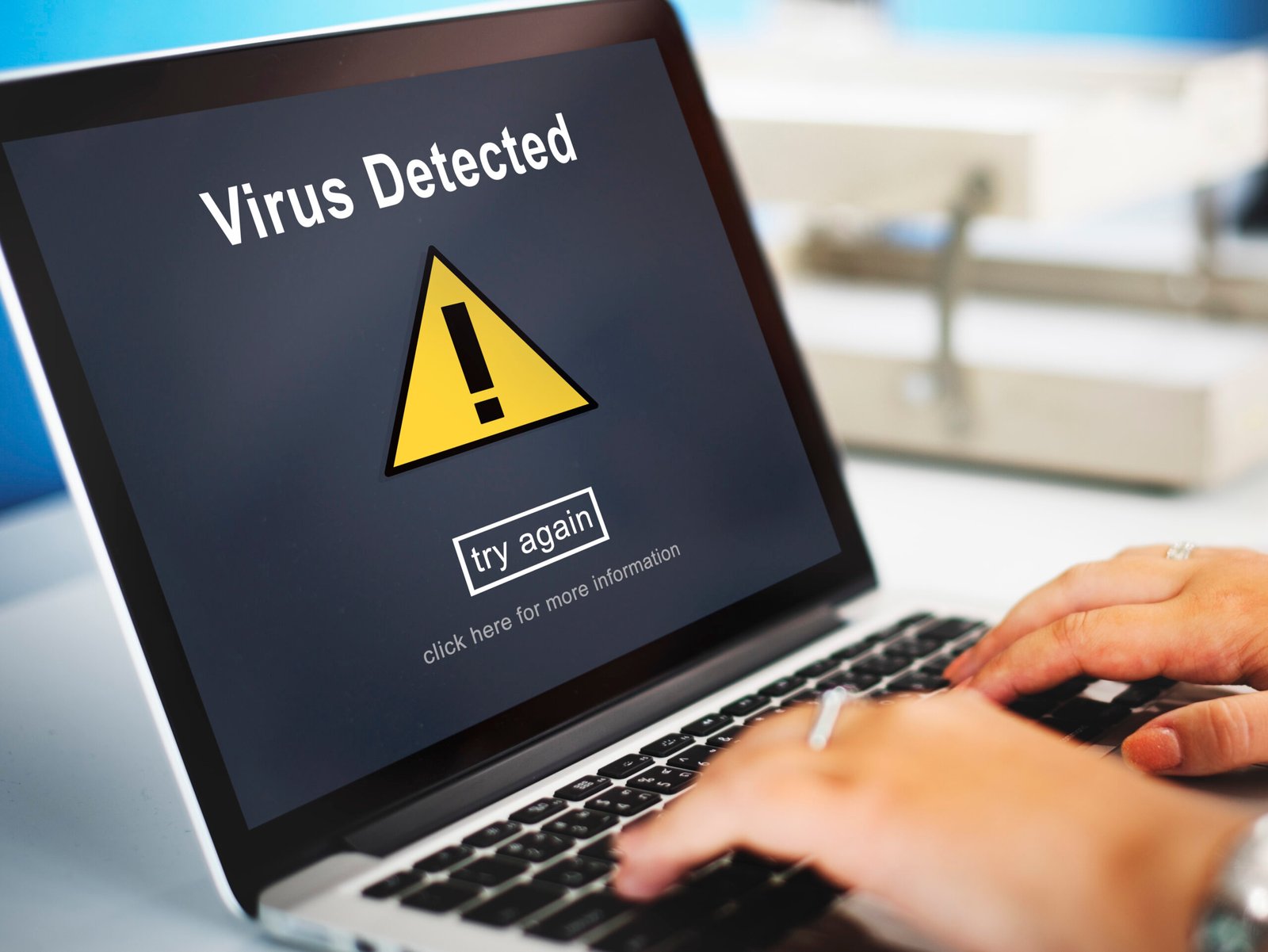
Ransomware is a type of malicious software that blocks access to a computer system or encrypts files until a sum of money, or ransom, is paid. The ransomware attack has become one of the most significant and costly threats in cybersecurity today, affecting everyone from individuals to large corporations and government agencies. This guide will provide a clear, empathetic and comprehensive overview of what ransomware is, how it works, and most importantly, the actionable steps you can take for ransomware prevention.
Ransomware is a specific type of malware designed to hold your digital life hostage. It's a cyberattack in which malicious code infiltrates a system, typically encrypting files and rendering them inaccessible. The attacker then demands a ransom, usually in cryptocurrency like Bitcoin, in exchange for the decryption key to unlock your files.
The core of a ransomware attack isn't just about financial gain; it's about control and disruption. The threat preys on the value of data, whether it's personal photos, sensitive business documents, or critical patient records. The increasing frequency and sophistication of these attacks highlight the urgent need for robust cybersecurity measures.
A ransomware attack typically begins with a user unknowingly granting the malware access to their system. The most common entry points are through phishing emails, malicious websites, and unpatched software vulnerabilities. Once inside, the ransomware begins its work.
The attack often follows these steps:
Initial Access: An attacker gains entry through a vulnerability, often via a phishing email with a malicious attachment or link.
Infection & Execution: The user clicks the link or opens the attachment, executing the malicious code. The malware then spreads and begins to search for valuable files to encrypt.
File Encryption: The ransomware uses a powerful encryption algorithm to lock files on the local machine and often on connected network drives. The filenames are frequently changed to a random string of characters or given a new extension (e.g., .locked, .crypt).
The Ransom Note: Once the encryption is complete, the ransomware displays a message on the user's screen or places a text file on the desktop. This ransom note contains instructions on how to pay the ransom and often includes a timer to create a sense of urgency.
While all ransomware aims to extort money, different types employ varying tactics. Understanding these variations can help you better identify and protect against them.
Crypto Ransomware: The most prevalent type. It encrypts a user's files (documents, images, videos) and demands payment for the decryption key. Data encryption is at the heart of this attack, making files truly unreadable without the key.
Locker Ransomware: This type doesn't encrypt individual files but instead locks the user out of their computer or device entirely. The ransom note is displayed on the locked screen, preventing any interaction with the operating system.
Scareware: This is a less sophisticated but still effective form of ransomware. It often pretends to be legitimate software, such as an antivirus program, and claims to have detected numerous viruses on your system. It then demands payment to "clean" your computer.
A more recent and highly dangerous evolution is the double extortion attack. In this scenario, attackers first steal sensitive data and then encrypt the files. They threaten to release the stolen information to the public or sell it on the dark web if the ransom is not paid. This adds another layer of pressure and financial risk.
A successful ransomware attack can have devastating consequences that go far beyond the immediate financial cost of the ransom. The U.S. government’s Cybersecurity & Infrastructure Security Agency (CISA) and the FBI have consistently reported on the rising costs of these attacks.
The impact can be broken down into:
Financial Costs: This includes not only the ransom payment (which is not guaranteed to work) but also the costs of system downtime, data recovery, legal fees, and reputational damage.
Operational Disruption: A ransomware attack can bring business operations to a complete halt, affecting everything from manufacturing to customer service. The average downtime for a ransomware attack is a staggering 21 days.
Data Loss: Even if a ransom is paid, there is no guarantee you will get your data back. Attackers may fail to provide a working decryption key, or the key may only work on a fraction of the encrypted files.
Prevention is your best defense. These ransomware prevention best practices can dramatically reduce your risk of becoming a victim.
Backup Your Data Regularly (The 3-2-1 Rule): This is the single most important step. A solid backup and recovery strategy ensures that even if your files are encrypted, you can wipe your system clean and restore your data from a recent backup. The 3-2-1 rule suggests having at least three copies of your data, stored on two different media types, with one copy stored off-site.
Maintain Your Software: Keep all operating systems, applications, and security software patched and up-to-date. Attackers often exploit known software vulnerabilities to gain entry. Enable automatic updates whenever possible.
Use Robust Endpoint Security: Endpoint security solutions are designed to protect devices like computers and servers from malicious threats. A high-quality antivirus software with real-time scanning, behavioral analysis, and a firewall can detect and block ransomware before it can execute.
Strengthen Your Cybersecurity Posture: Implement strong passwords, use multi-factor authentication (MFA) on all critical accounts, and restrict user permissions to the bare minimum required for their job. This reduces the attack surface for intruders.
Conduct Security Awareness Training: Employees are often the first line of defense. Regular security awareness training can teach staff how to recognize phishing emails, spot suspicious links, and report potential threats. A well-trained workforce is less likely to fall for social engineering tactics.
Both data backups and security software are critical pillars of an effective ransomware prevention checklist.
Data Backups: Think of a backup as a time machine for your data. If an attack occurs, a recent, offline backup allows you to recover your files without paying the ransom or risking permanent data loss. The key is to ensure your backup is not always connected to your network, as sophisticated ransomware can seek out and encrypt connected backup drives.
Security Software: Modern antivirus software and endpoint protection solutions are far more advanced than just signature-based detection. They use artificial intelligence and machine learning to identify the tell-tale behaviors of ransomware, such as file-renaming and encryption, and can stop the process in its tracks.
If a ransomware attack happens, your immediate actions are crucial.
Do's and Don'ts
DO disconnect the infected machine from the network immediately to prevent the ransomware from spreading to other devices.
DO report the attack to law enforcement, such as the FBI's Internet Crime Complaint Center (IC3), and your local authorities.
DO use your clean, recent backups to restore your data.
DO NOT pay the ransom. Paying the ransom funds criminal enterprises and there is no guarantee that you will receive a working decryption key. According to a 2023 report from a major cybersecurity firm, only about 60% of organizations that paid the ransom received their data back, and many of those still found their files corrupted.
DO NOT use a decryption tool from an untrustworthy source, as it could contain other malware.
After isolating the device and reporting the incident, a professional forensics team can help you identify the attack vector and secure your network to prevent future attacks.
Understanding what ransomware is and how it works is the first step toward building a strong defense. The threat landscape is constantly evolving, but by adopting a proactive, layered security approach—from security awareness training to robust backup and recovery strategies—you can significantly reduce your vulnerability.
Don't wait for an attack to happen. Take control of your ransomware prevention today.
Signs include locked files, unusual file extensions, a ransom note, or restricted access to your system.
Disconnect from the network immediately, report the incident to authorities, and consult a cybersecurity professional for recovery.
In some cases, yes. Cybersecurity researchers and law enforcement sometimes release free decryption tools after they've obtained the decryption keys from a seized server or through other means. You can check sites like No More Ransom for available tools. However, this is not always an option.
- Financial losses due to downtime, data loss, and ransom payments. - Reputational damage. - Disruption of business operations.
Yes, small businesses are often targeted due to weaker security measures. Implementing preventative measures is crucial
Free antivirus software can offer basic protection but often lacks advanced features like behavioral analysis, a firewall, and dedicated ransomware protection. For businesses and critical personal data, investing in a reputable, paid security solution is highly recommended.
A double extortion attack involves two stages: first, the attackers steal sensitive data from a network. Then, they encrypt the files and demand a ransom. They threaten to leak or sell the stolen data if the victim doesn't pay, adding a layer of public pressure to the financial demand.
Yes, you need to have a fair amount of knowledge in dealing with HTML/CSS as well as JavaScript in order to be able to use Lexend.
Microsoft retires Secure Boot certificates in June 2026. Audit, patch, and secure your Windows endpoints before the deadline with this IT preparation guide.
Learn what endpoint security is, why it’s critical for protecting business devices, and how it differs from traditional antivirus. Complete guide for 2026.
HIPAA compliance is mandatory for healthcare organizations and their vendors to protect sensitive patient data (PHI/ePHI). This guide explains cybersecurity requirements like encryption, access controls, and breach protocols, along with penalties for violations. Learn how IT teams, sysadmins, and HelpDesk staff can implement HIPAA best practices.