
Connect to any device the moment an issue is raised. No scheduling, no callbacks, no waiting for someone to let you in. Zecurit gives IT teams and MSPs instant remote support across Windows, Mac, and Linux.
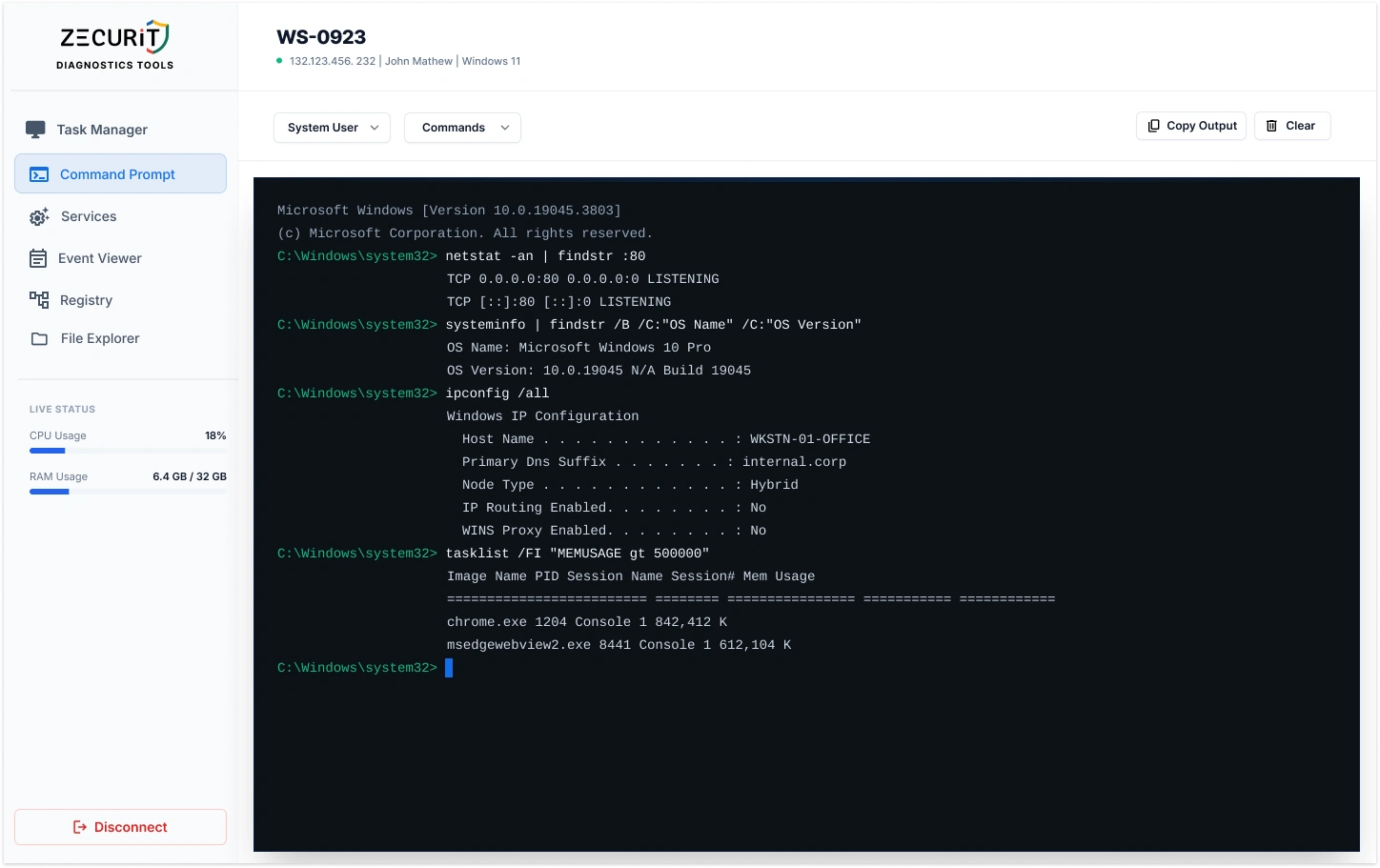
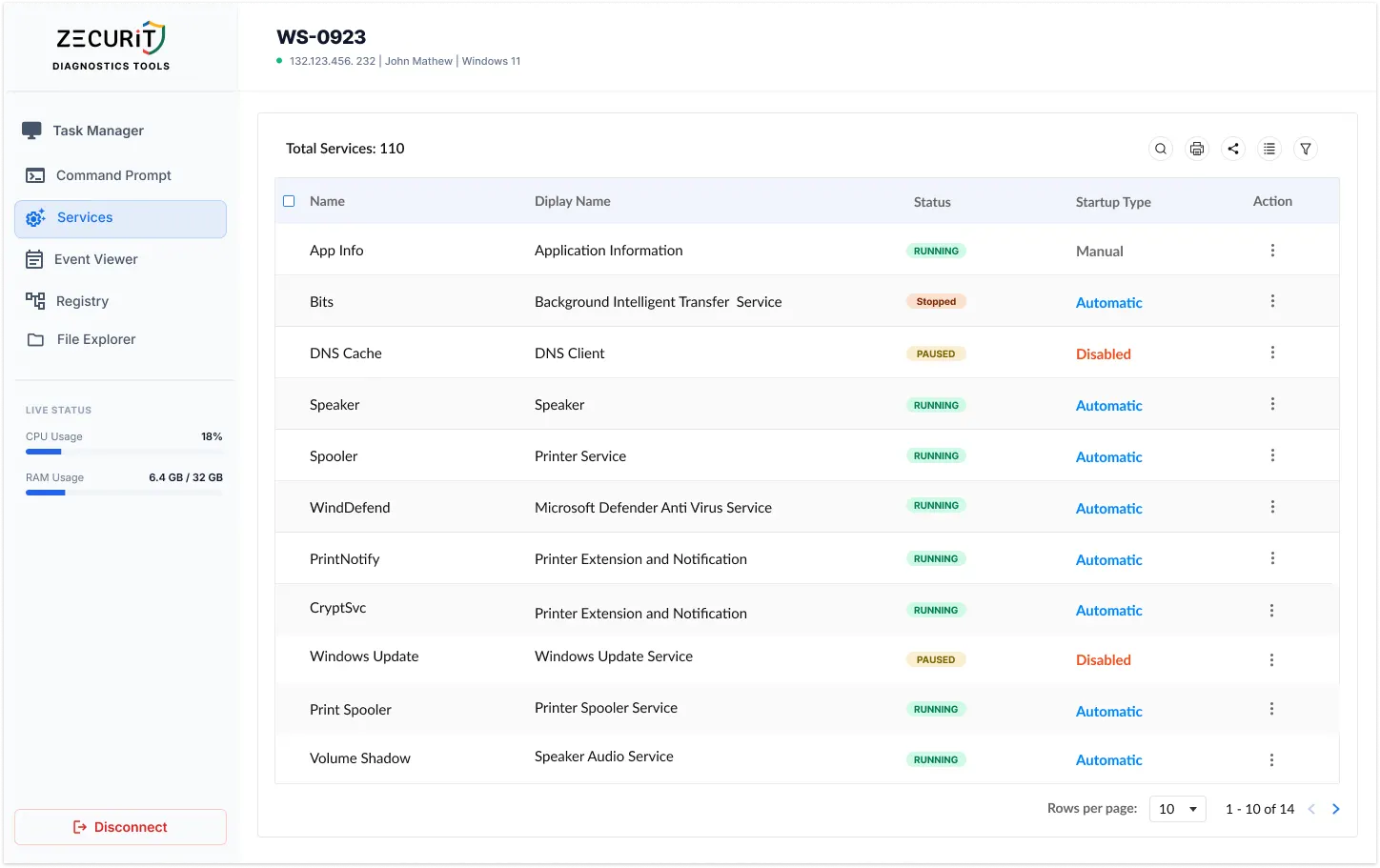
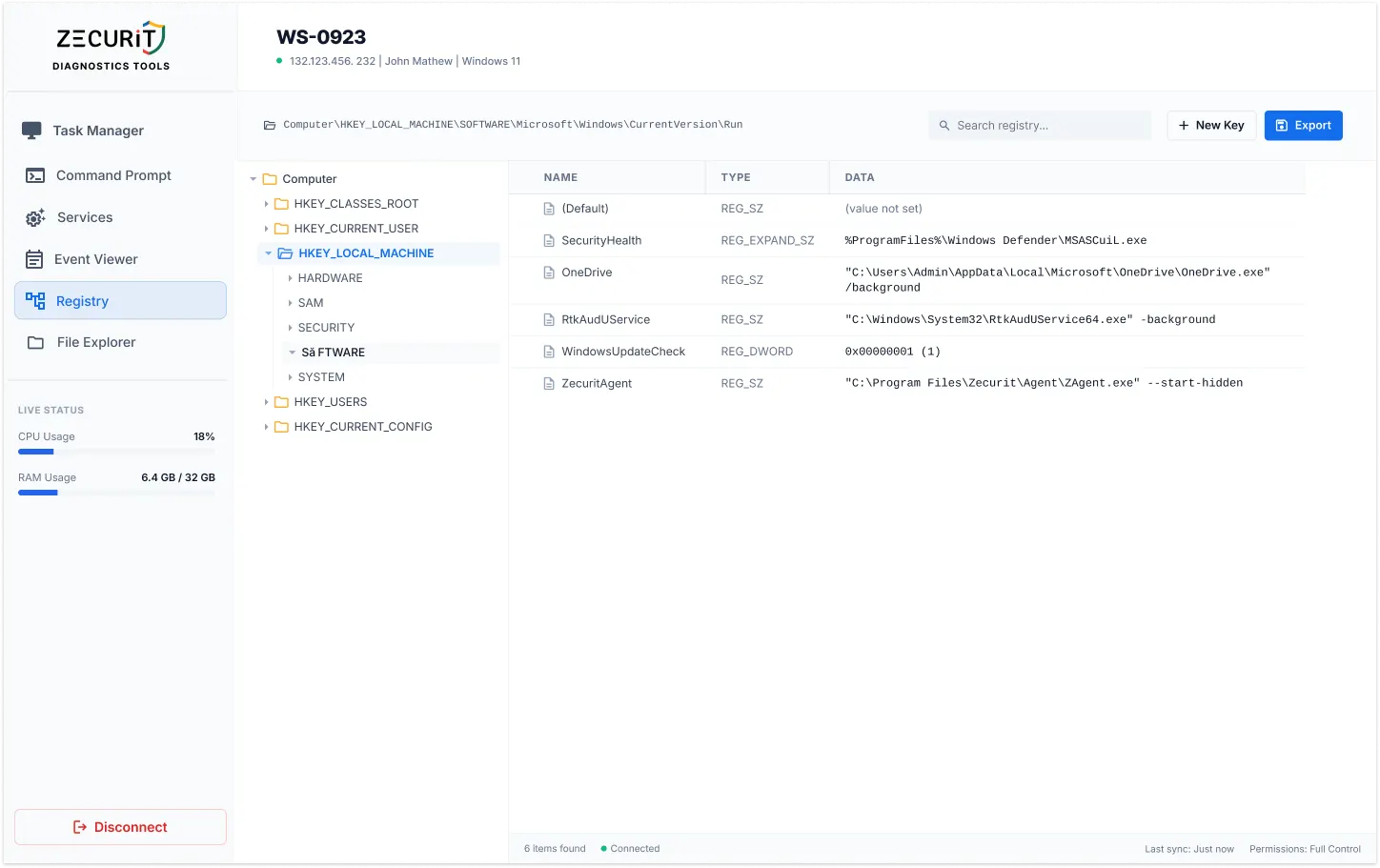
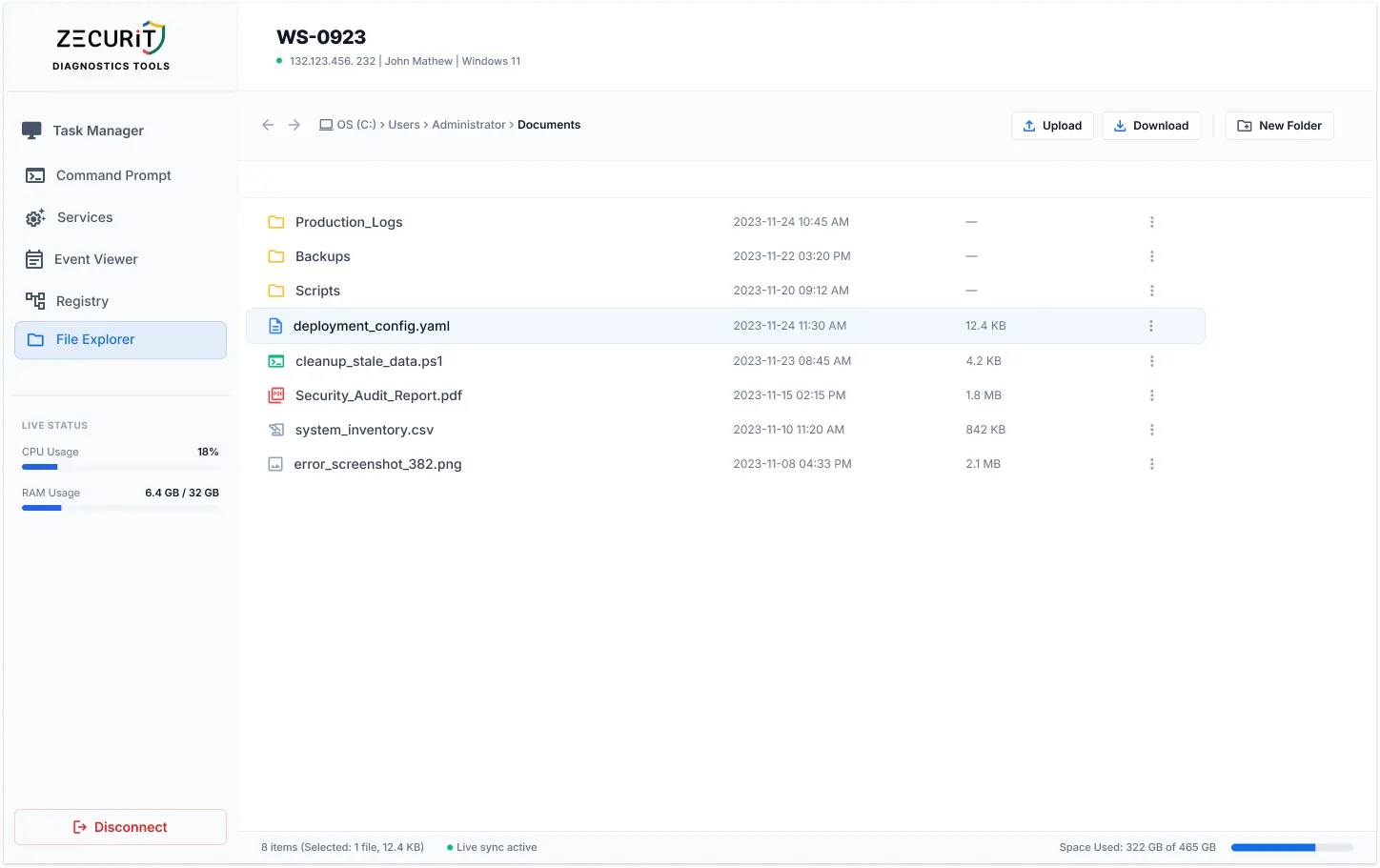
Remote support software allows IT technicians and help desk teams to connect to a user's device from anywhere and resolve issues in real time, without being physically present.
When a user's application crashes, a server needs patching, or a critical system goes unresponsive, your team should not need to drive to a location, wait for a callback, or coordinate around time zones. Remote support software eliminates all of that friction.
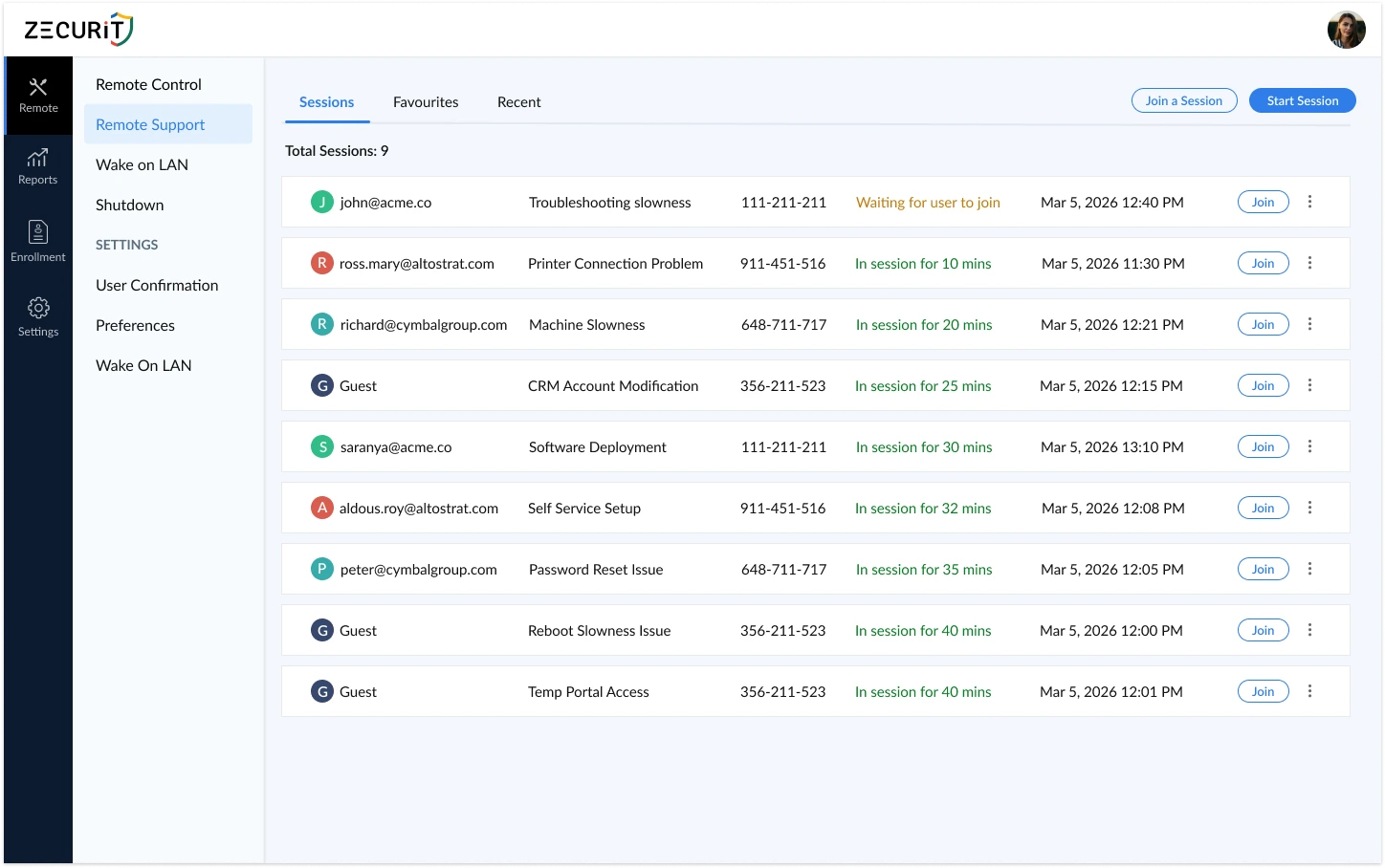
Zecurit's remote support software goes further than basic screen sharing. It combines attended support sessions, where the technician sends an invite link and the user joins instantly, with unattended remote access, where no user presence is needed at all. Both modes run from one console and one login.
"The fastest IT teams do not work harder. They eliminate the time between a ticket being raised and a technician having control of the affected device.
 Remote support software is how that gap closes."
Both support modes are built into Zecurit. Switch between them in a single click from the same console.
Attended:
Help desk troubleshooting and live user support
Unattended:
Infrastructure management and endpoint maintenance
Attended Remote Support
The technician generates a secure session link from the Zecurit console and sends it to the end user. The user clicks the link and joins instantly, no software installation required on their device.
Unattended Remote Access
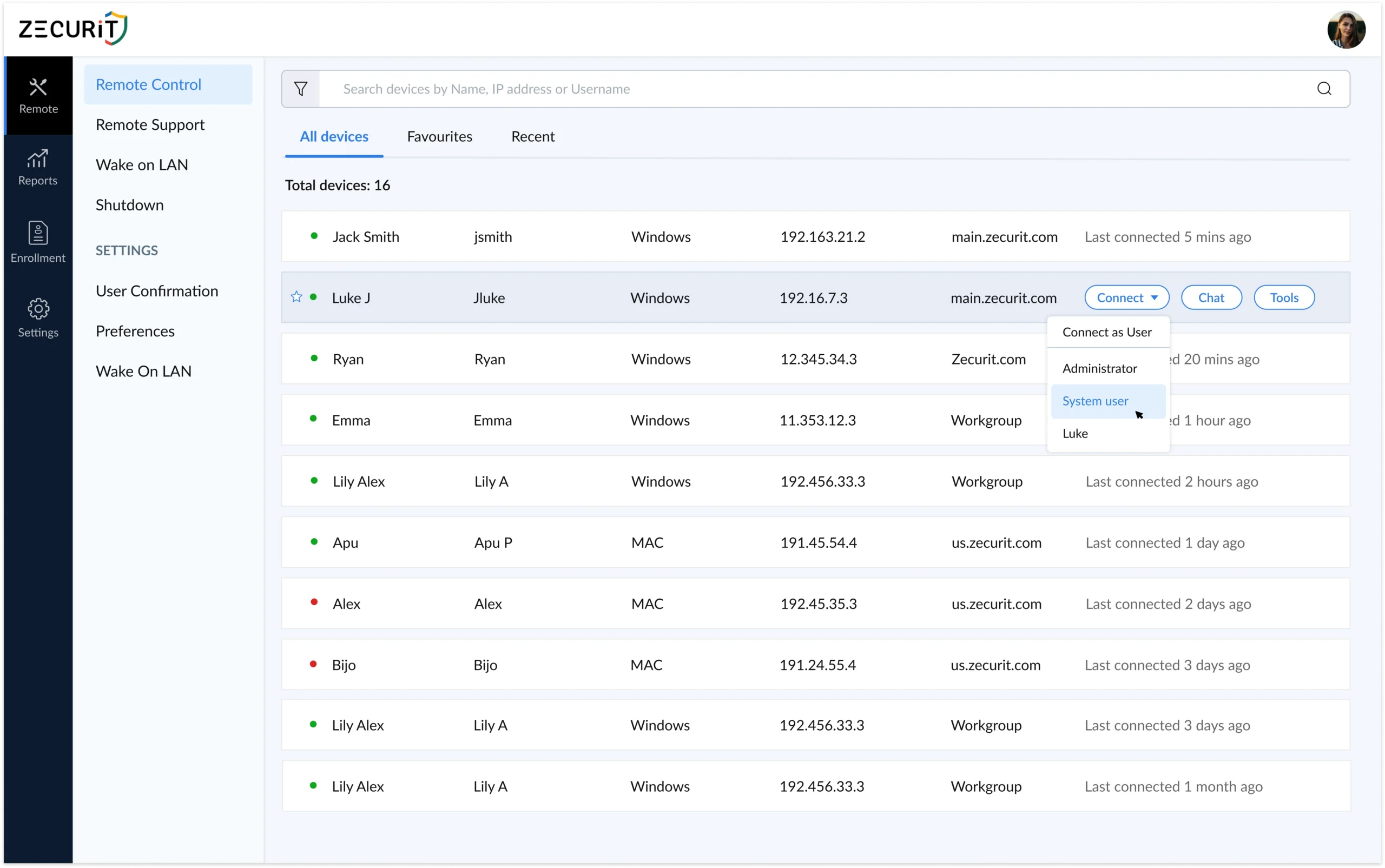
Connect to any device any time, no end user required. One-time agent install gives permanent access for server management, after-hours maintenance, and incident response across time zones.
Zecurit is one of the few remote support tools that handles both modes natively from a single platform. No separate tools. No additional licences. No switching consoles.
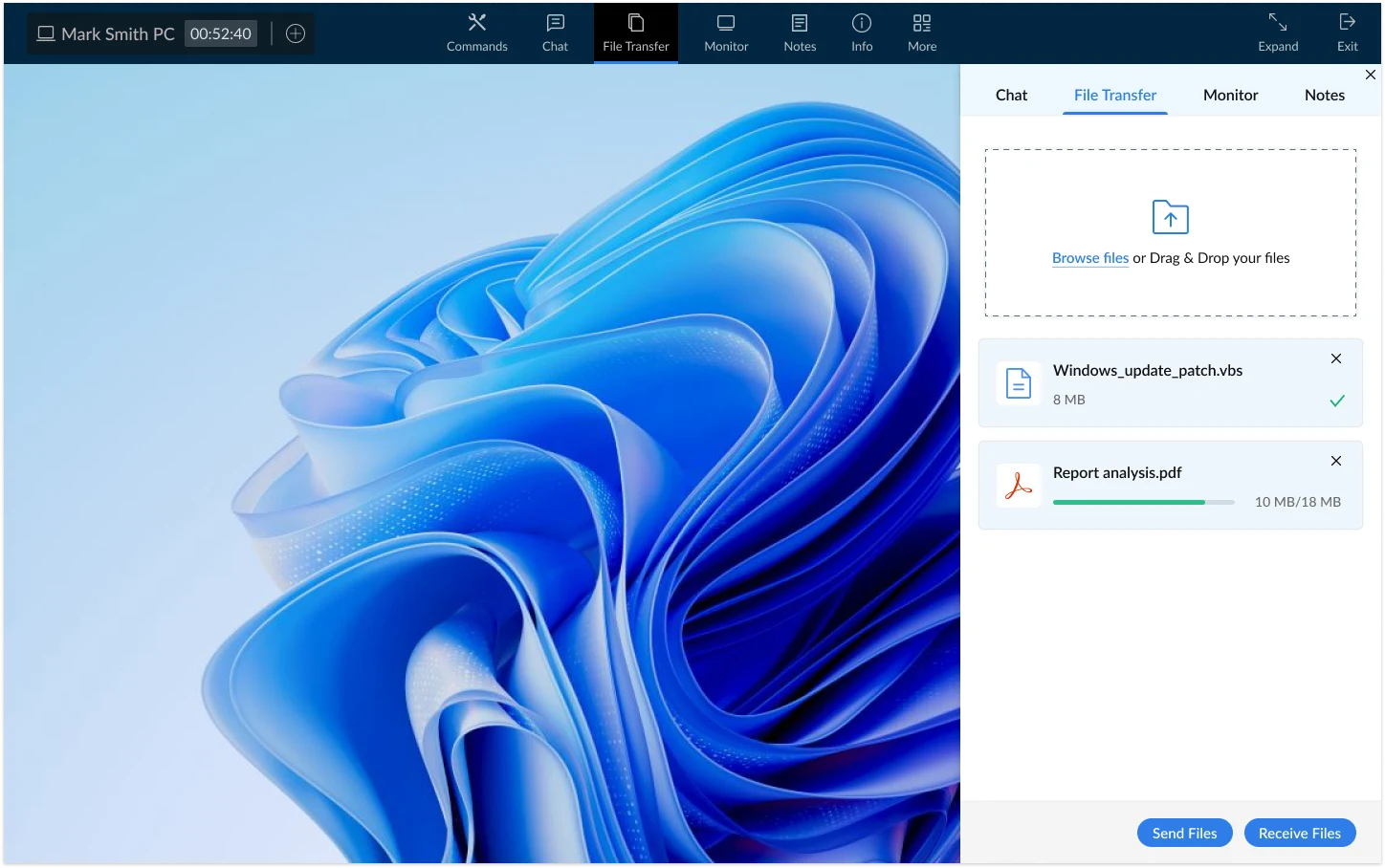
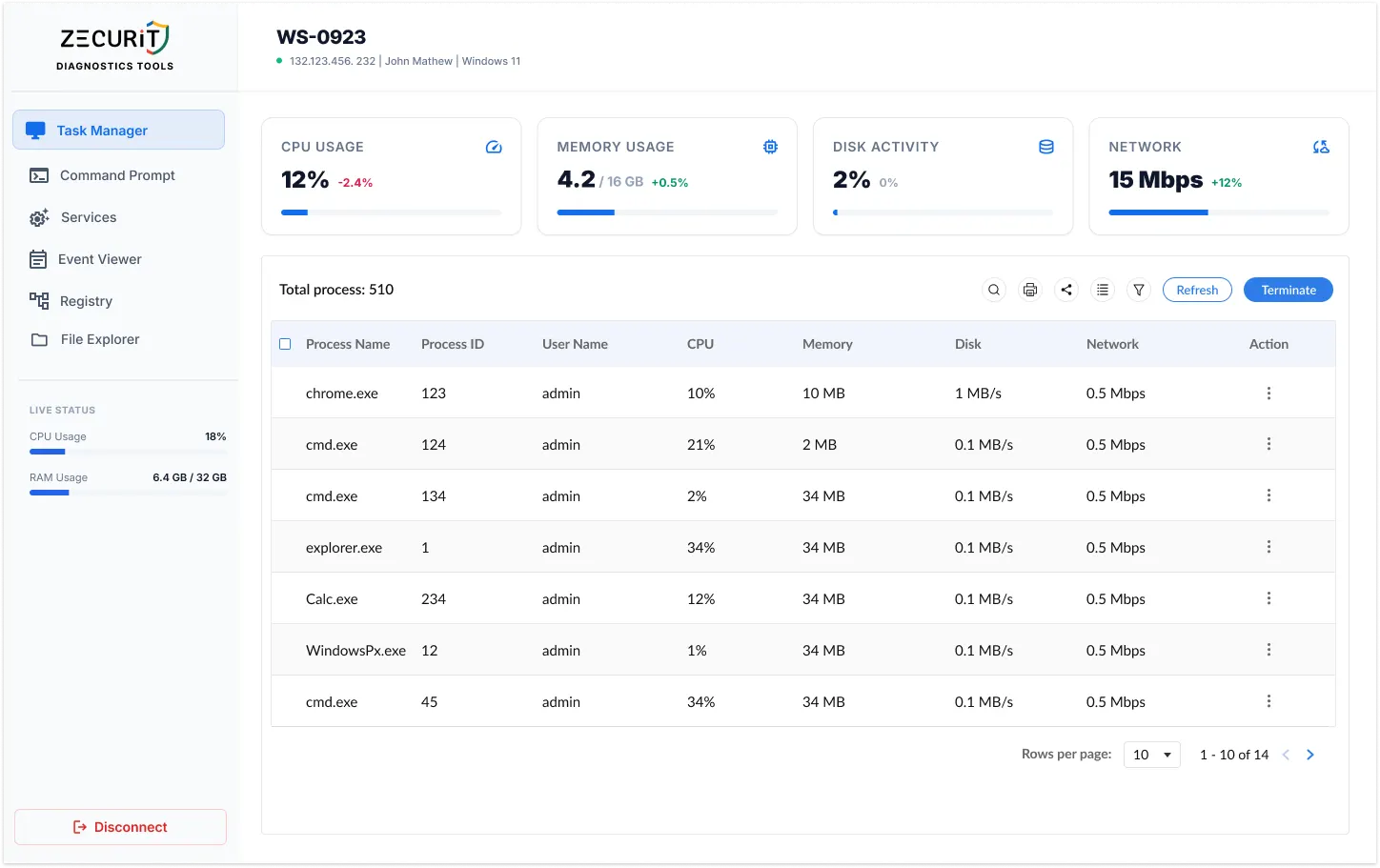
Designed for real IT environments, not demo environments. Every feature ships in the base product.
Zecurit is purpose-built for professional IT environments. Here is how each team uses it.
No complex infrastructure. No software for the end user to install. Just a link and instant access.
Yes, when implemented correctly. Enterprise-grade remote support software like Zecurit uses AES-256 end-to-end encryption for all session traffic, enforces multi-factor authentication for every technician login, and applies role-based access controls so technicians only reach the devices they are authorized for. Every session is automatically logged with an immutable audit trail. No inbound firewall ports are opened on client devices, and all traffic routes through a secure cloud relay, keeping your network perimeter intact.
The best remote support software for IT teams and MSPs covers both attended helpdesk sessions and unattended remote access from a single platform, supports Windows, Mac, and Linux natively, enforces MFA and session recording out of the box, and scales across thousands of endpoints without performance degradation. It should also require no VPN, support bulk agent deployment via GPO or Intune, and provide a multi-tenant console for MSPs managing multiple clients. Zecurit is purpose-built to meet all of these requirements.
Remote support software is the broader category of tools that allow IT technicians to connect to and assist remote devices. Remote desktop refers specifically to graphical access where you see and control the remote screen. Remote support software typically includes remote desktop access alongside additional tools like file transfer, chat, session recording, and user management. Zecurit provides all of these in a single platform, covering both attended helpdesk support and unattended access for server and infrastructure management.
Attended remote support requires the end user to be present and typically to approve the connection, making it ideal for live helpdesk interactions and guided troubleshooting. Unattended remote support allows technicians to connect to a device any time without the end user being present or approving the session. This is essential for server maintenance, after-hours patching, and managing devices across different time zones. Zecurit supports both modes natively from a single console.
Yes. Zecurit routes all remote support sessions through a secure cloud relay. No VPN infrastructure is required and no inbound firewall ports need to be opened on the client device. The agent installed on the remote device initiates an outbound connection, which means the device remains protected behind its existing firewall while still being fully accessible to authorized technicians.
Yes, Zecurit is built with MSPs as a primary audience. The multi-tenant console logically separates each client environment. Technicians only see and access devices they are explicitly authorized for. You can deploy the agent across all client fleets in bulk, manage access permissions per technician, and pull session logs per client for billing and compliance reporting. One Zecurit account covers your entire client base without needing separate tools for each client.
Yes. Zecurit provides full remote support across all three major operating systems from a single console. This includes Windows Remote Desktop environments covering Windows 10, 11, and Server editions, full Mac remote access supporting macOS 12 through the latest release including Apple Silicon, and Linux Remote Desktop access for Ubuntu, Debian, CentOS, RHEL, and other major distributions. You manage every device from one place regardless of operating system.
Deploy Zecurit once. Support any device, any time, on any operating system. No scheduling, no callbacks, no delays.