Remote Access Software
Built for IT Teams and MSPs

Connect to any Windows, Mac, or Linux device instantly, attended or unattended. Secure remote access and remote support, built to run 24/7 without depending on the end user being present.

    No credit card required • 14 day free trial
    Image
    Image
    Image
    Image Image Dark

    Cross Platform

    Image Image Dark

    End-to-End Encryption

    Image Image Dark

    Simple & Feature Rich

    Powerful Features

    Complete Remote Access Solution

    Everything you need for secure remote desktop sharing, remote support, and IT management in one powerful platform.

    Unattended Remote Access

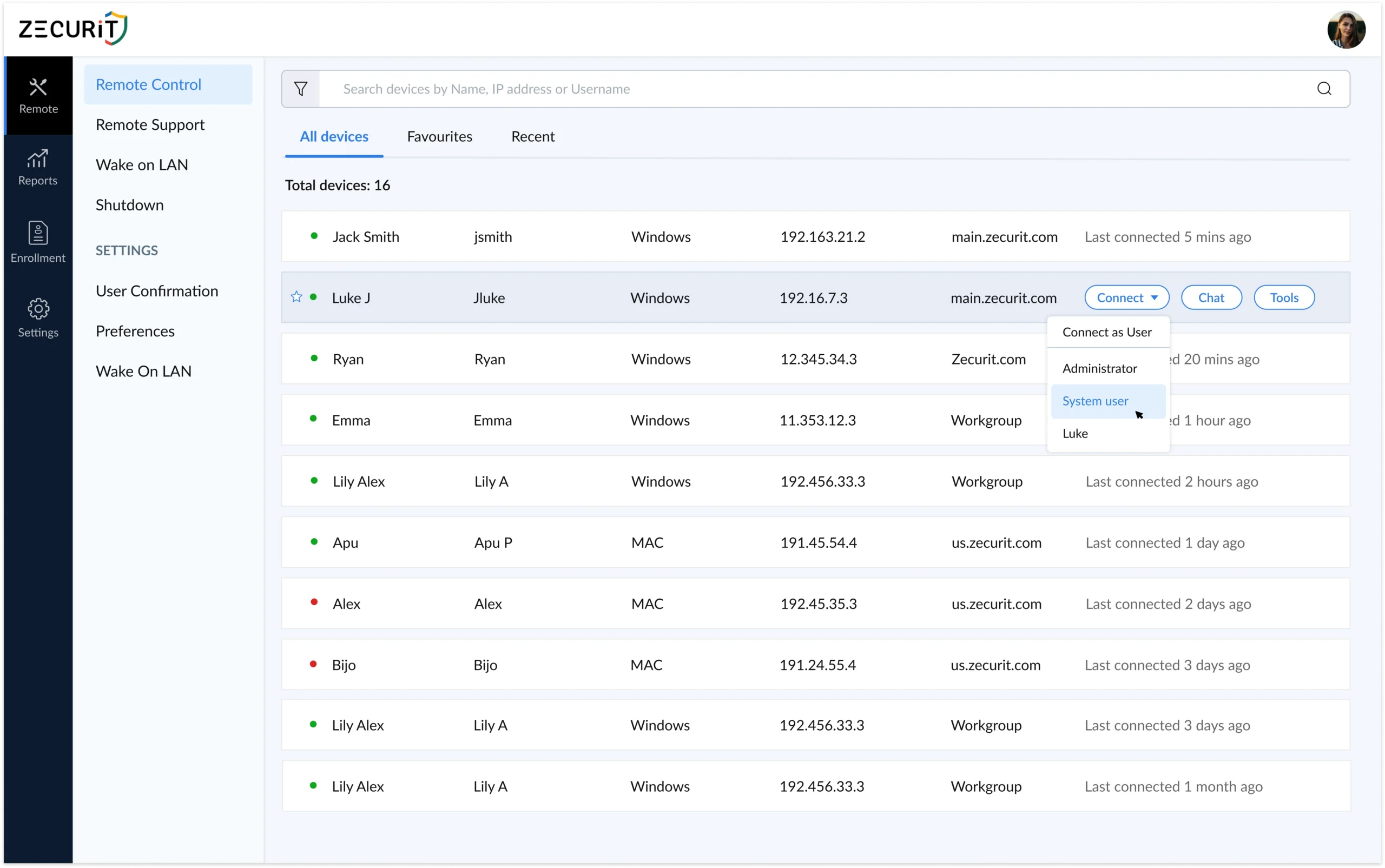
    Take full control of remote computers even when users are away. Perfect for after-hours maintenance, updates, and troubleshooting without requiring end-user presence.

    Advanced Diagnostic Tools

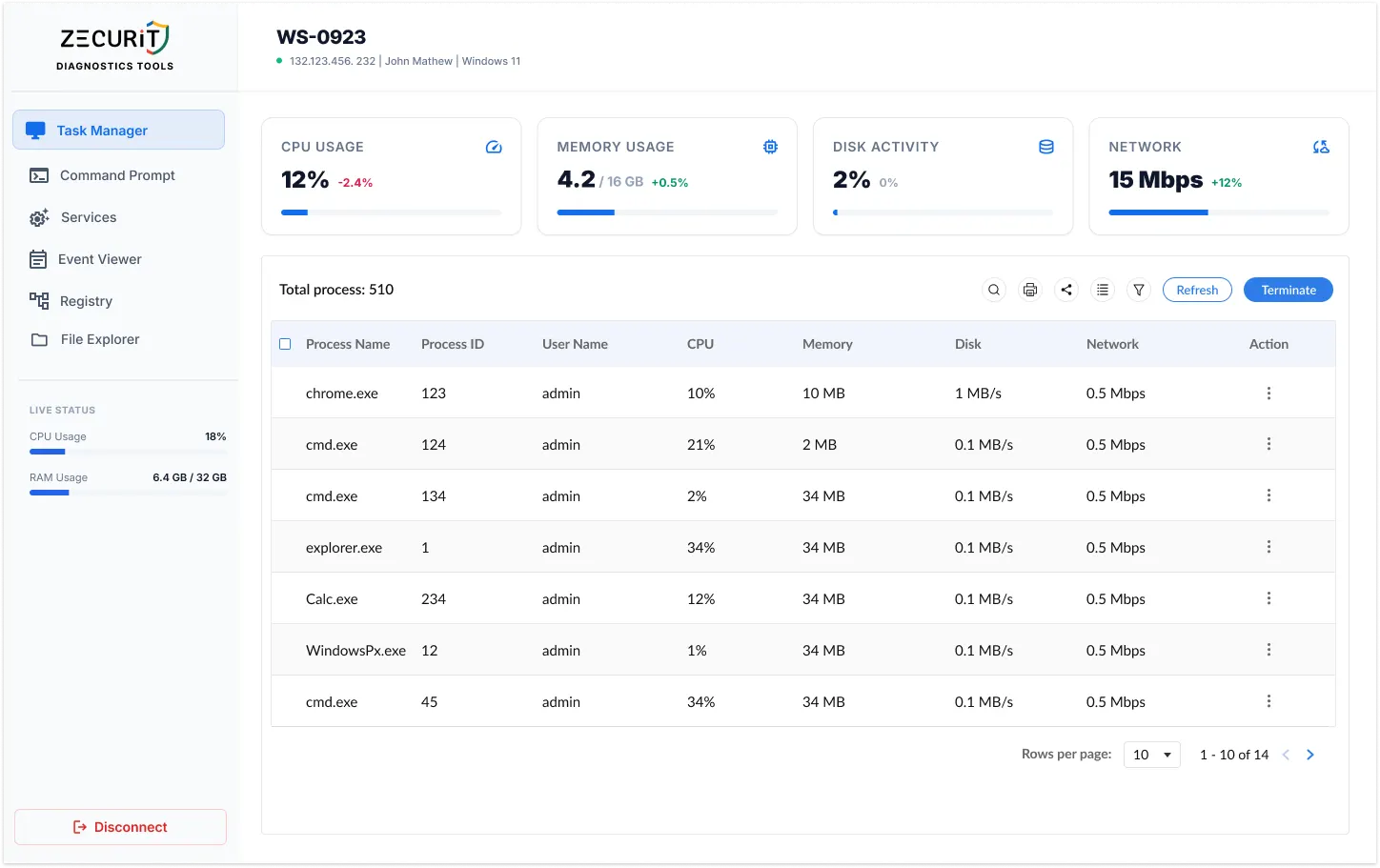
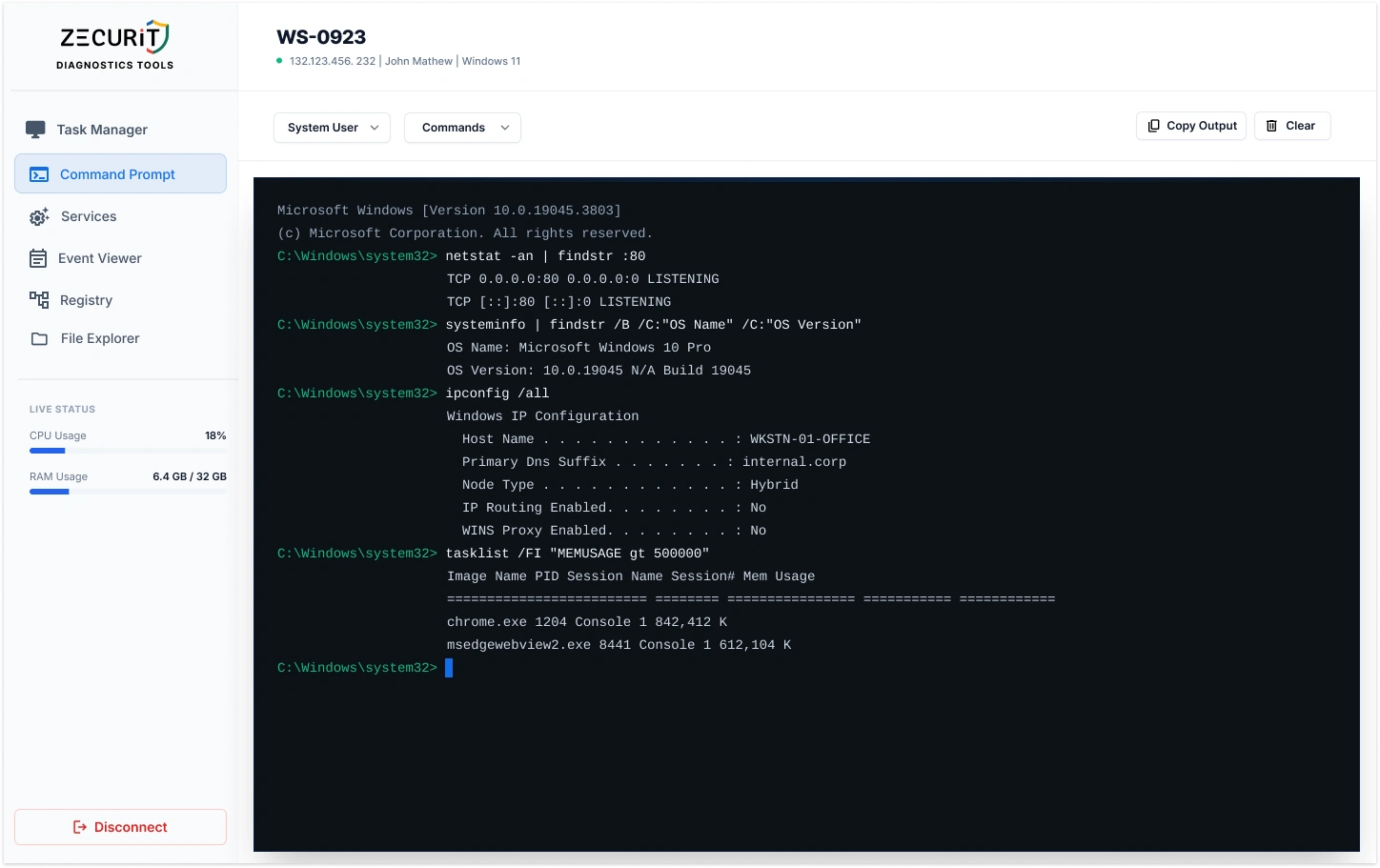
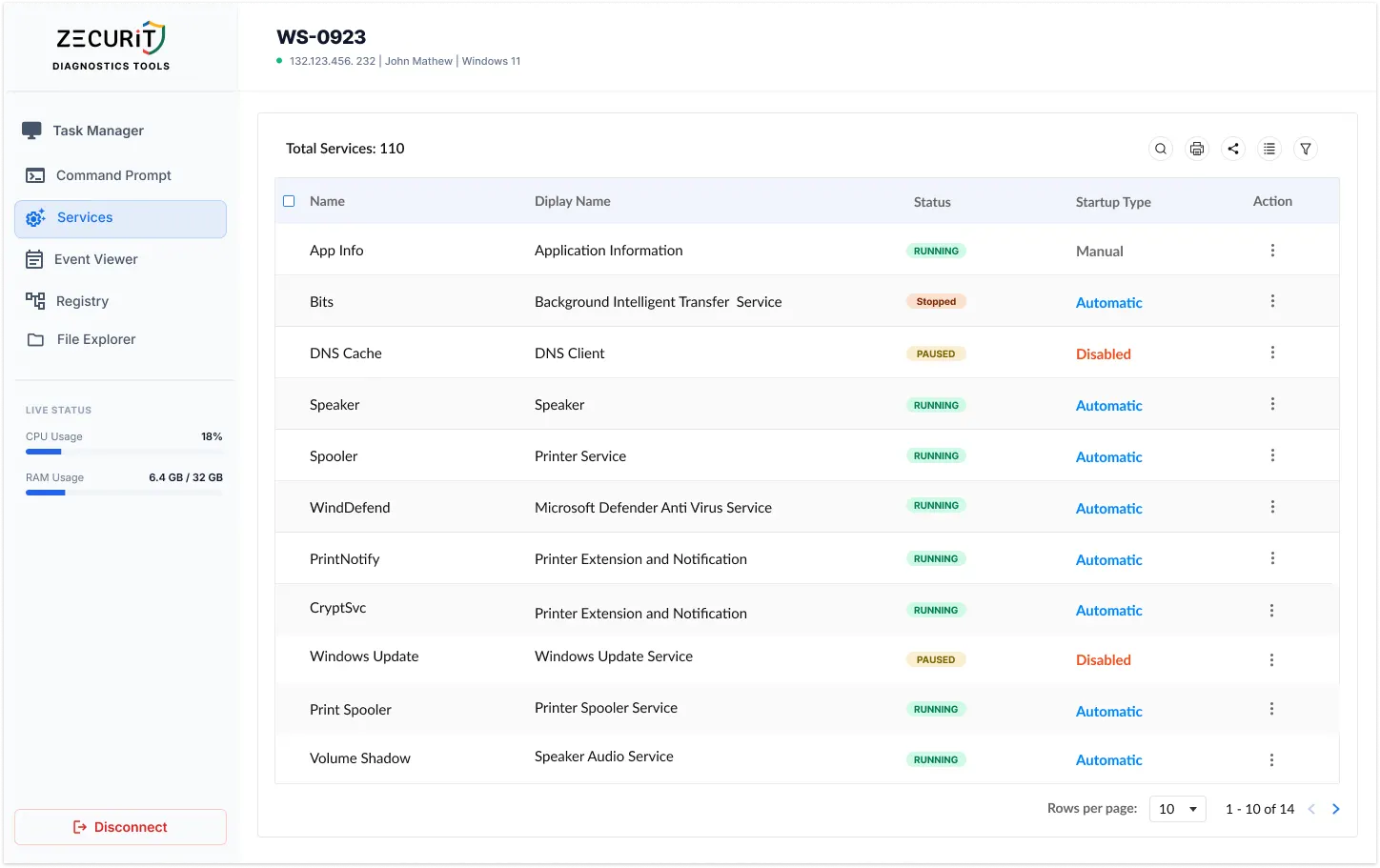
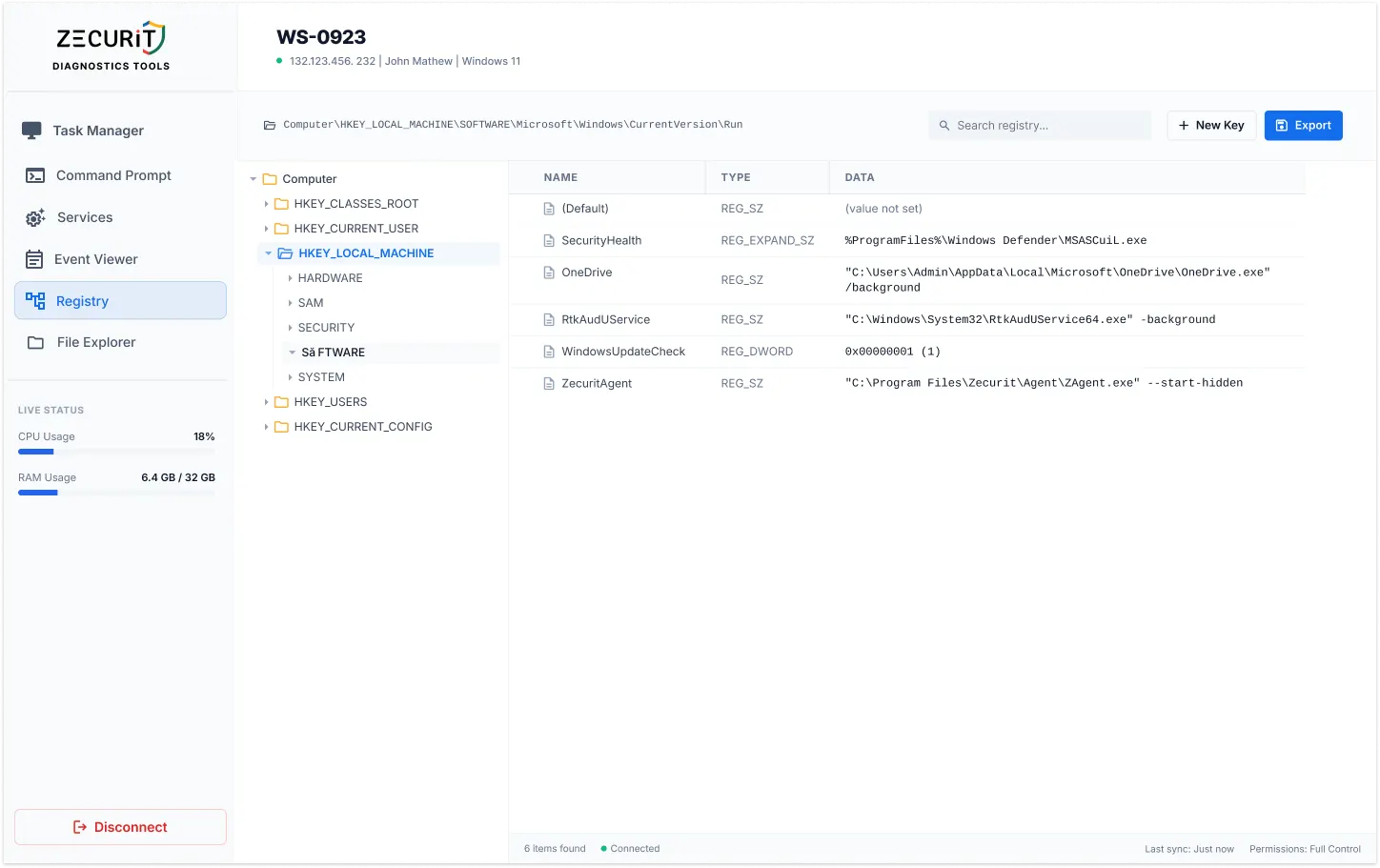
    Quickly identify and resolve system issues with built-in troubleshooting utilities. Access system information, process management, and network diagnostics in real-time.

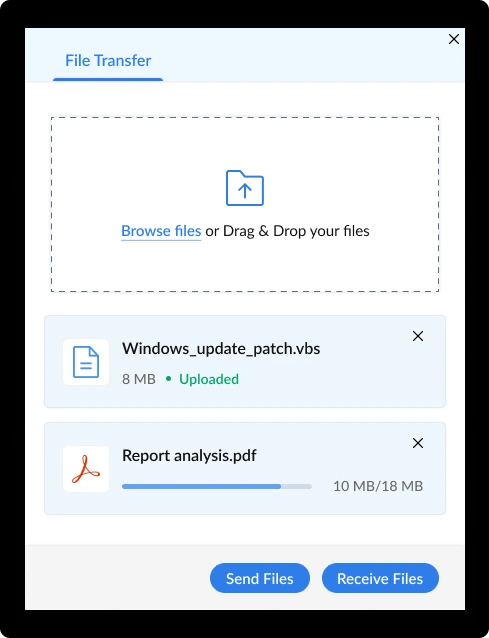
    Secure File Transfer

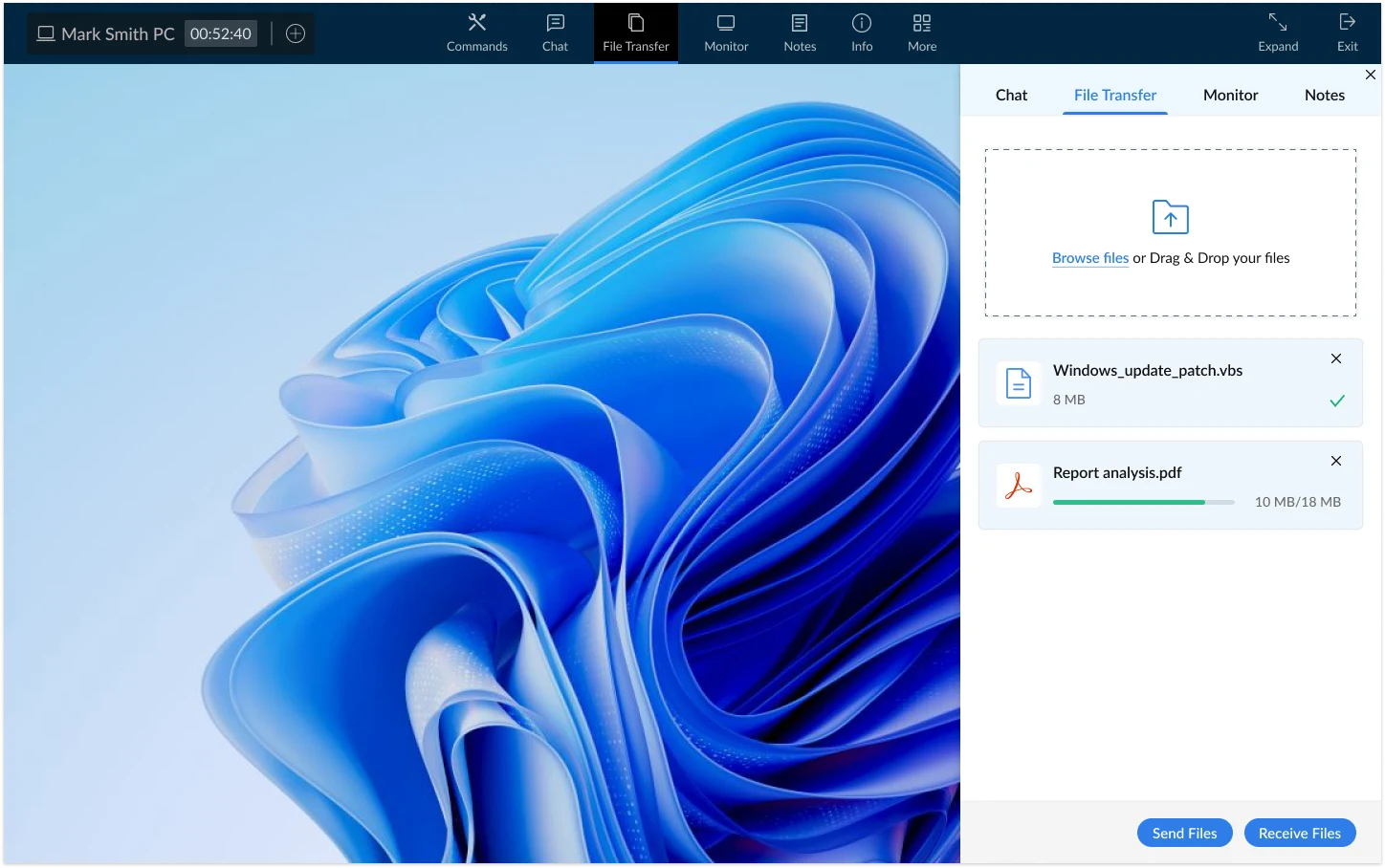
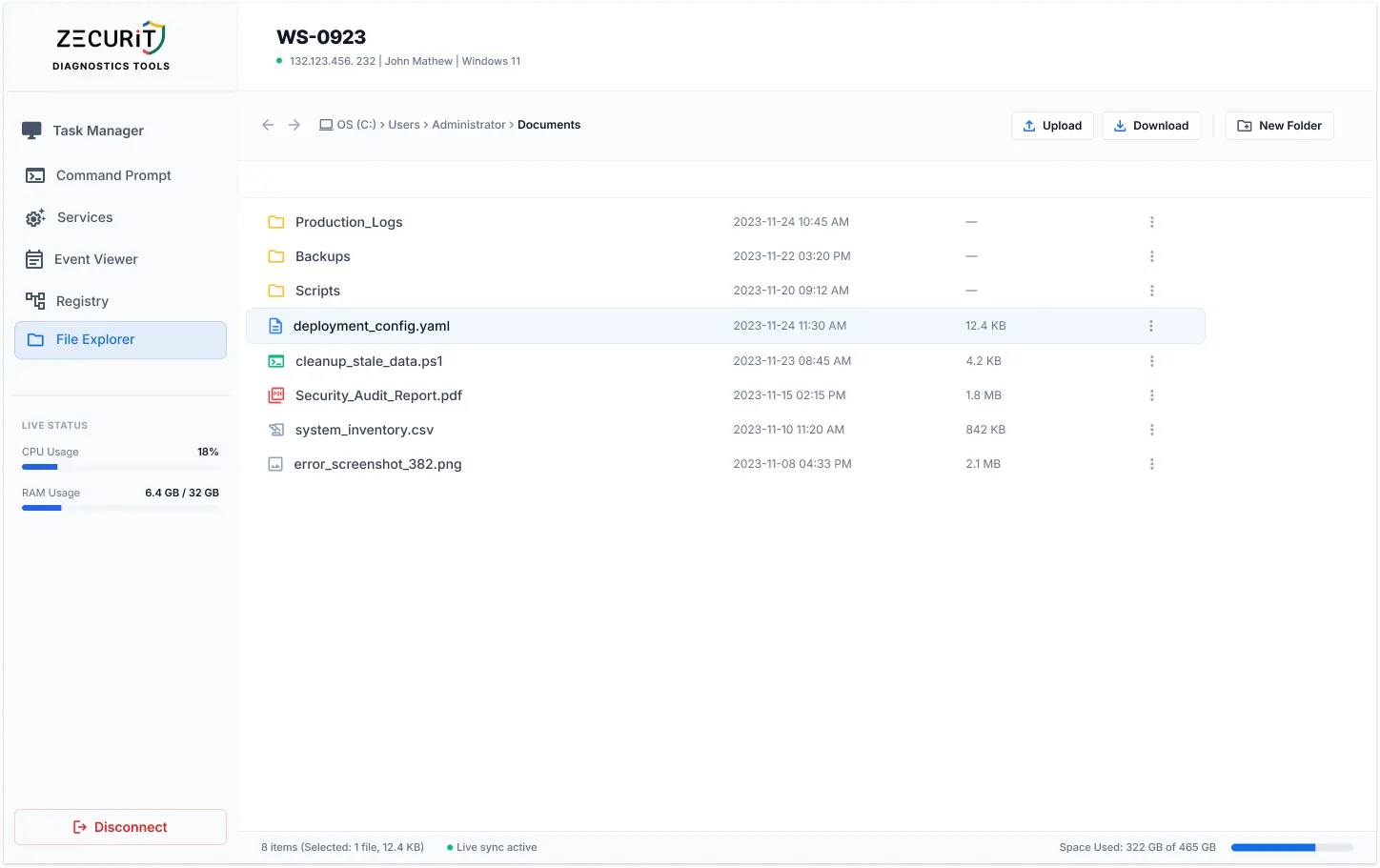
    Securely send and receive files between your local and remote computers with ease. Encrypted file transfers ensure your data remains protected during remote sessions.

    Two-Way Chat

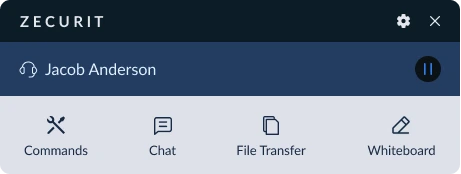
    Communicate instantly with anyone at the remote end for real-time support. Coordinate actions and provide guidance during remote desktop sharing sessions.

    Remote Reboot Control

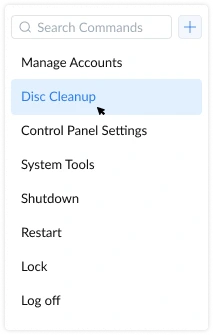
    Power off or restart unattended computers from anywhere, anytime. Maintain system health and apply updates without physical access to devices.

    Wake On LAN

    Remotely power on offline computers to access them when needed. Perfect for energy-efficient organizations that power down devices after hours.

    Multi Monitor Support

    Switch between all remote monitors during a session for seamless multitasking and troubleshooting. Essential for supporting users with complex multi-display setups.

    Session Confirmation

    Prompts the end user to explicitly approve or deny remote access requests. Ensures transparency and security while maintaining user trust and compliance.

    Enterprise-Grade Encryption

    Protects all data transmissions during remote sessions with strong security protocols. Bank-level encryption keeps your remote desktop connections secure from unauthorized access.

    Why Choose Zecurit

    Transform Your Remote Support Operations

    Deliver faster, more efficient IT support with our comprehensive remote access software platform.

    Reduce Resolution Time by 70%

    Eliminate travel time and resolve issues instantly with direct remote desktop access. Our remote support software enables your team to troubleshoot and fix problems in minutes, not hours.

    Support Unlimited Devices

    Scale your remote access infrastructure without limitations. Whether you manage 10 or 10,000 endpoints, Zecurit's remote desktop software grows with your organization.

    Deploy in Minutes

    Get your team up and running quickly with our lightweight agent and intuitive interface. No complex infrastructure or extensive training required for our remote access solution.

    Ensure Compliance & Security

    Meet industry standards with session recording, access controls, and audit trails. Our remote desktop sharing platform includes all the security features enterprises demand.

    Solutions

    Remote Access for Every Team

    Tailored remote desktop and support solutions for diverse organizational needs.

    IT Support Teams

    MSPs & IT Service Providers

    Remote Work Organizations

    What is Remote Access Software?

    Remote access software enables IT professionals, support teams, and system administrators to connect to and control computers, servers, and devices from any location. Also known as remote desktop software or remote support software, these tools eliminate the need for physical presence, allowing organizations to deliver technical support, perform system maintenance, and manage distributed IT infrastructure without sending a technician on-site.

    How Remote Desktop Software Works

    Modern remote access solutions operate through a secure client-server architecture. A lightweight agent is installed on the target device once. Technicians then connect through a management console, establishing an encrypted session instantly.

    Once connected, the technician can view and control the remote desktop in real time, operate applications, transfer files, and perform administrative tasks exactly as if they were sitting in front of the machine. No physical access required. No end user needed to be present.

    Advanced platforms extend this further with multi-monitor support, session recording, clipboard synchronization, and remote printing. Enterprise-grade solutions like Zecurit layer in end-to-end encryption, multi-factor authentication, and granular role-based access controls, giving IT teams the security and compliance coverage their environments demand.

    Frequently asked questions:

    • What is remote access software and how does it work?

      Remote access software is a secure, cloud-based solution that enables IT teams and support staff to connect to and control remote computers from anywhere. Using encrypted communication and authentication protocols, it allows real-time troubleshooting, file transfer and system maintenance without requiring users to be physically present.

    • Is Zecurit Remote Access secure?

      Yes, security is a core pillar of Zecurit Remote Access. All remote sessions are encrypted using industry-standard TLS/SSL protocols. We also support two-factor authentication (TFA), session logs and role-based access controls to ensure only authorized personnel can initiate or view remote sessions.

    • Do I need to install any software on remote devices?

      Yes, a lightweight agent must be installed on the remote devices you want to manage. Once installed, devices can be accessed instantly via the Zecurit Console. Deployment options include manual installation, silent install and bulk deployment using connector or integration with your device management tools (Intune, SCCM, GPO, Azure/Entra ID).

    • Can I transfer files or reboot systems during a remote session?

      Absolutely. Zecurit Remote Access allows secure file transfer, clipboard sharing, system reboot (including safe mode) and multi-monitor support making it a comprehensive tool for remote IT support and system administration.

    • Who can benefit from the remote access tool?

      Remote access software is essential for IT support teams providing technical assistance, MSPs managing multiple clients, system administrators maintaining servers and infrastructure, remote workers accessing office computers, and help desk technicians resolving user issues. Any organization with distributed devices or remote users benefits from reliable remote desktop software.

    • What's the difference between remote access and remote desktop?

      Remote access is the broader category of tools enabling connection to remote systems, while remote desktop specifically refers to graphical access to a computer's full desktop interface. Zecurit provides comprehensive remote desktop software with both attended support sessions and unattended access capabilities, along with remote desktop sharing for collaboration.

    • How quickly can I deploy remote support software?

      Zecurit is designed for rapid deployment. Most organizations have technicians connecting to remote systems within minutes of signup. Our lightweight agent installs quickly, and the intuitive interface requires minimal training. You can start providing remote support immediately with no complex infrastructure setup required.

    McMaster
    Sairam Engg College
    K-Servis-logo
    gridworxwalls
    kW-engineering
    Ready to Transform Your Remote Support?

    Join thousands of IT professionals using Zecurit's remote access software
    to deliver faster, more efficient support.