
Manage, secure, and automate every Mac endpoint in your fleet, MacBooks, iMacs, and Mac Studios alike, from one lightweight agent and one console.
Apple devices have grown fast inside businesses that were built on Windows. Design teams, engineering teams, and executives increasingly choose Mac, but most existing IT tooling was never built with macOS in mind.
Without proper mac device management in place, IT teams are stuck:
Zecurit Endpoint Manager closes that gap directly.
Everything you need to maintain secure, compliant, and up-to-date endpoints across your organization.
Get a live, accurate inventory of every Mac in your environment. Zecurit collects hardware specifications, installed applications, OS version, disk usage, and system health data automatically, with no manual audits required.
Use inventory data to:

Push applications to one Mac, a group of Macs, or your entire Apple fleet from a single console. Zecurit's software deployment engine lets IT teams standardize the software stack across every Mac endpoint, without touching each device individually.
This is built for real IT workflows:
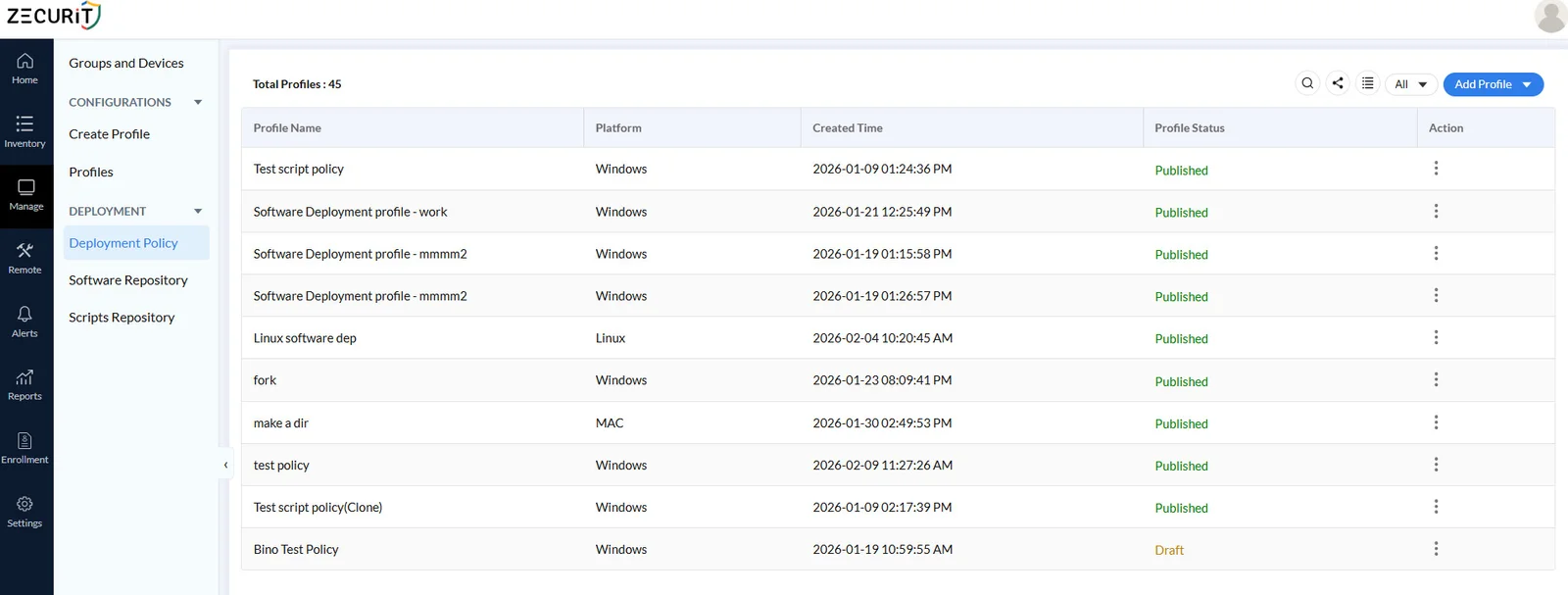
Run shell scripts remotely across your Mac fleet for configuration changes, maintenance tasks, or troubleshooting, without needing physical access or end-user cooperation. Script deployment gives IT admins the same automation power on Mac that they already expect on Windows.
Common use cases include:
Connect to any Mac in your fleet at any time, without needing the end user present or awake at their desk. Unattended remote access is essential for after-hours maintenance, patch verification, and background troubleshooting on unmanned or shared Mac systems.
This is the same capability IT teams rely on for Windows servers and workstations, now available for macOS.
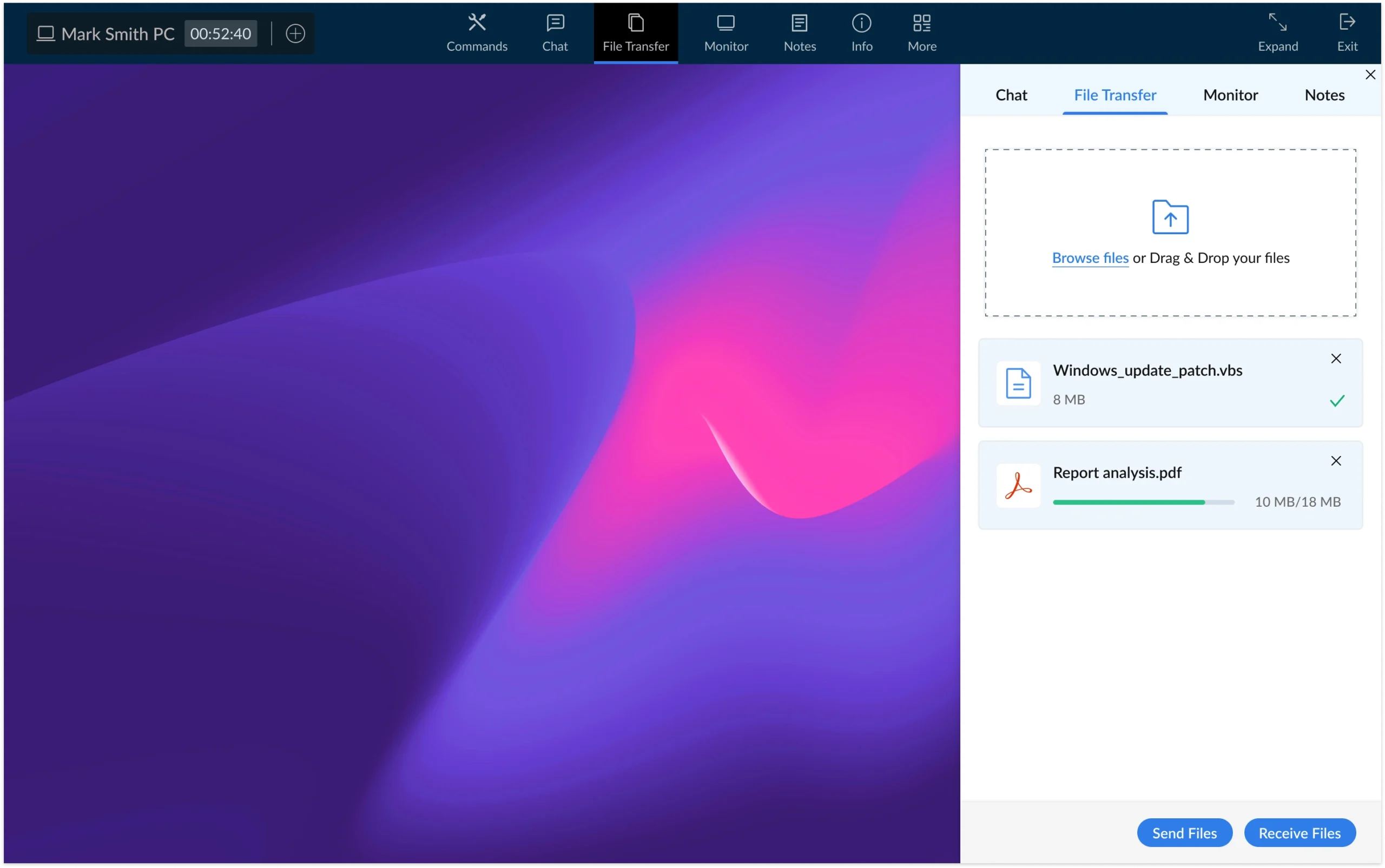
When a Mac user needs help, connect instantly with on-demand remote support. Your helpdesk or support team can view the user's screen, take control, and resolve the issue live, cutting resolution time and reducing back-and-forth over email or chat.
OnDemand support works the same way across Windows, macOS, and Linux, so your support team doesn't need a separate workflow just for Mac tickets.
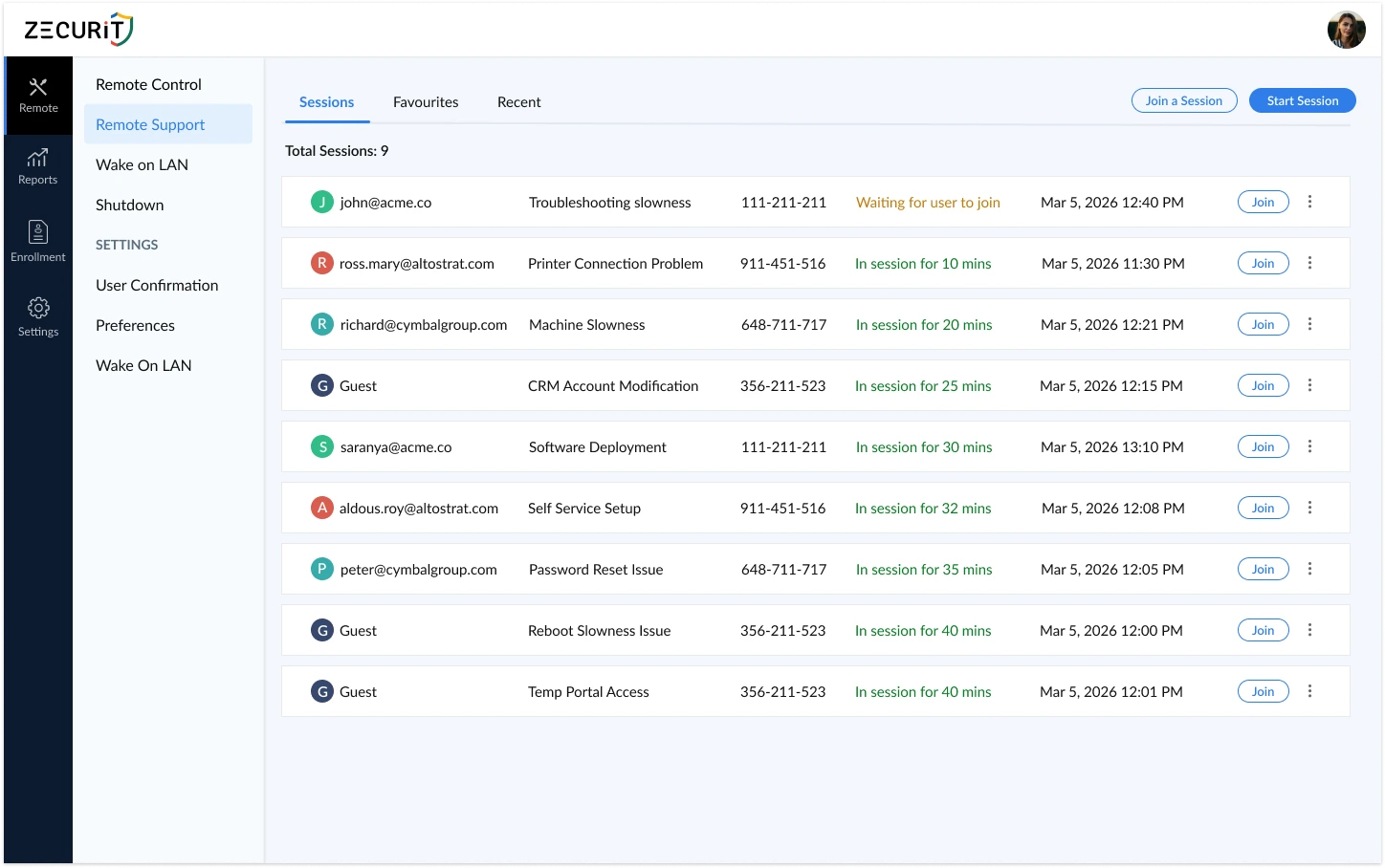
Zecurit Endpoint Manager is built to manage Windows, macOS, and Linux devices from a single platform. That means your Mac device management doesn't live in a separate silo. IT teams get one login, one policy structure, and one reporting layer across the entire endpoint fleet.
For MSPs managing multiple client environments, this also means one tool to learn and support, instead of juggling a Windows RMM and a separate Apple MDM tool for every client with mixed devices.
In-house IT teams managing a mixed Windows and Mac environment who want one console instead of two.
MSPs supporting client fleets that include Mac devices alongside Windows, without paying for or learning a second platform.
IT teams scaling Mac adoption who need inventory, deployment, and remote support in place before the Mac fleet outgrows manual management.
Bring your Mac fleet into the same platform you use for Windows and Linux. See Mac inventory, deploy software and scripts, and support your Mac users in minutes.
Mac device management is the practice of monitoring, configuring, securing, and supporting Apple Mac computers within an organization's IT environment, typically through centralized software that gives IT teams visibility and remote control over every Mac endpoint.
Zecurit Endpoint Manager supports Windows, macOS, and Linux devices from the same platform. This is designed for organizations that need Apple device management alongside their existing Windows and Linux fleet, not a Mac-only tool.
Yes. Zecurit provides both unattended remote access, for connecting to a Mac without the user present, and on-demand remote support, for live troubleshooting sessions with the user on the call.
Yes. Zecurit automatically collects Mac hardware specifications, installed software, OS version, and system health data, giving IT teams a live, centralized inventory view.
Yes. Zecurit supports remote software deployment and script deployment for macOS, letting IT teams install applications and run maintenance scripts across the Mac fleet without visiting each device.
Yes. Zecurit Endpoint Manager MSP supports multi-tenant management, letting MSPs manage Mac, Windows, and Linux devices across all their client accounts from one platform.
Discover the powerful modules that help you manage, secure, and control every endpoint from a single console.
Gain full visibility into hardware and software assets across your organization.
Remotely deploy and manage applications across devices with ease.
Automate patch scanning and deployment to keep endpoints secure and compliant.
Securely access devices, troubleshoot issues, and support users from anywhere.
Enforce IT policies and maintain standardized configurations across endpoints.
Generate endpoint reports and audit trails to monitor compliance and activity.